

Access control replaces keys with credentials, such as key cards, fobs, PIN codes or a phone, and gives you a record of who opened which door and when. For a growing Long Island office, it is usually the security upgrade that pays off fastest, because it ends the cost and risk of rekeying every time someone leaves.
If you are already deciding between cards, fobs and phones, see our earlier post on choosing access control credentials. This post covers the planning step before that: which doors, which people, and which software.
Start with the doors that matter
You do not have to put a reader on every door on day one. Most offices start with:
- Main entrance and any public-facing door. Unlock on a schedule during business hours, locked after.
- Rear and side doors. Often the doors that get propped open or left unlocked.
- Server or network room. Limited to IT and management.
- Records, inventory or cash rooms. Anywhere a key is currently “hidden” somewhere in the office.
On a recent build-out for a 10,000 sq ft law office in Syosset, we put access control on 16 doors, but the plan started with these same four questions and grew from there.
Decide how you will manage users
The day-to-day work of access control is adding people, removing people and changing who can go where. Ask:
- Who will manage it? The office manager, the owner, your IT company, or us on your behalf.
- Do you need groups and schedules? For example, cleaning crew Tuesday nights only, or staff weekdays 7am to 7pm.
- How fast can you shut off a lost card? It should take seconds from a phone or browser.
Cloud or on-site software
There are two common ways to run an access control system:
- Cloud-managed (such as PDK): manage everything from a browser or app, no server in your office, updates handled for you. Great for single offices and multi-site businesses.
- On-site or hybrid (such as Paxton Net2 and Paxton10): runs locally with options for remote access, a strong fit for larger buildings, residential communities and sites that want everything in-house.
CWC is a Paxton Silver Partner and installs PDK cloud access control, so we recommend based on your building, not on which brand we happen to carry. Paxton published a case study on our Net2 installation at Encore Atlantic Shores in Eastport: 9 doors and gates serving more than 500 users.
Plan for the parts people forget
- Door hardware. Electric strikes, maglocks and exit devices need to match the door and meet fire and egress code.
- Power and battery backup. Doors should behave correctly when the power goes out.
- Network. Readers and controllers need reliable connections. We also handle the cabling.
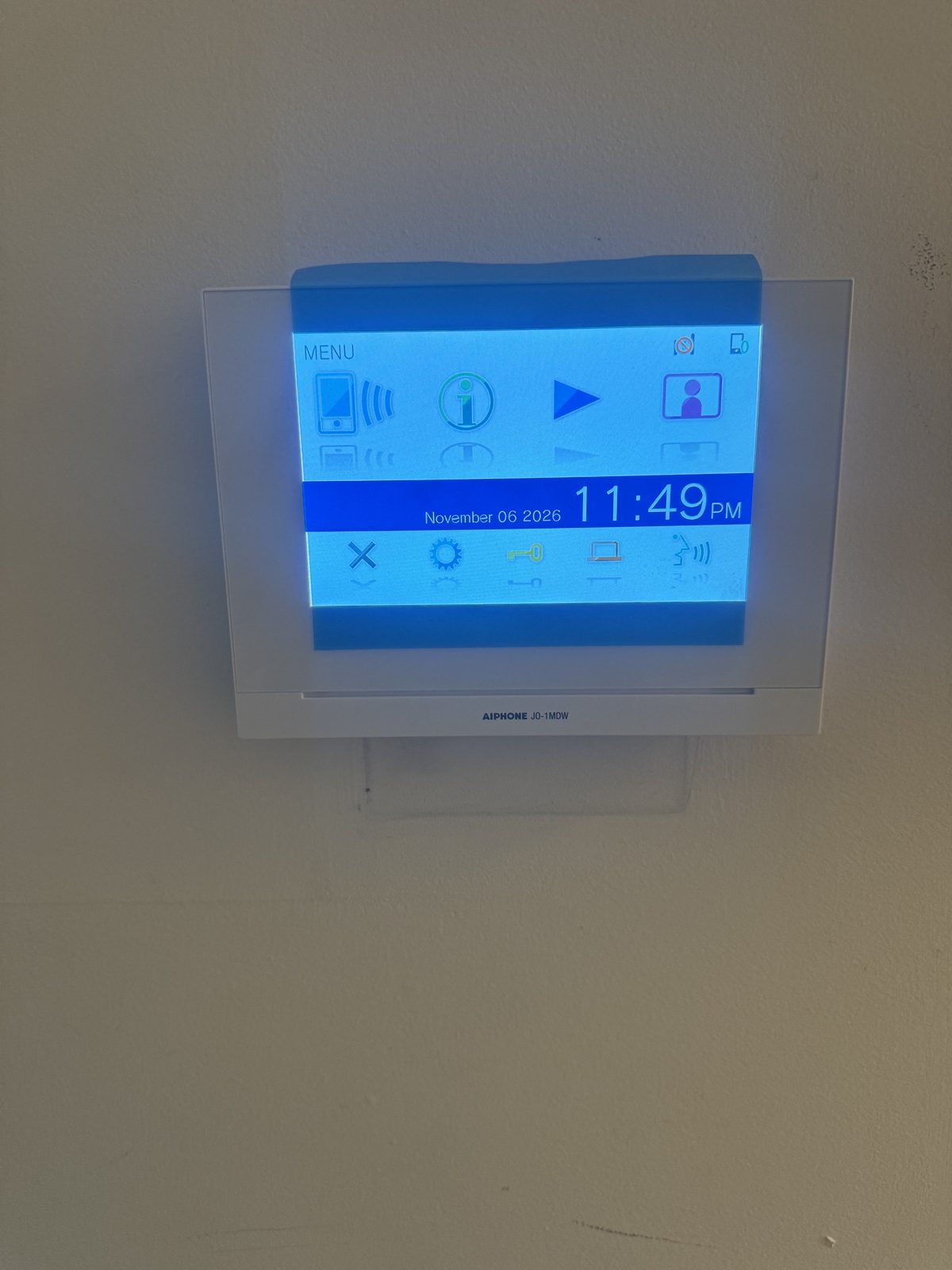
- Visitors. Video intercoms let you see and talk to someone before buzzing them in.
Tie it into cameras and your alarm
Access control is more useful when it connects to the rest of your security. Link door events to security cameras so you can pull up video of who used a card, and have the alarm system arm automatically when the last person leaves.
See our access control installation page for the systems we install across Nassau and Suffolk County.
Ready to talk it through? Call CWC Security at 516-889-3600 or book a free on-site security assessment. We serve homes and businesses across Nassau and Suffolk County.